Intro
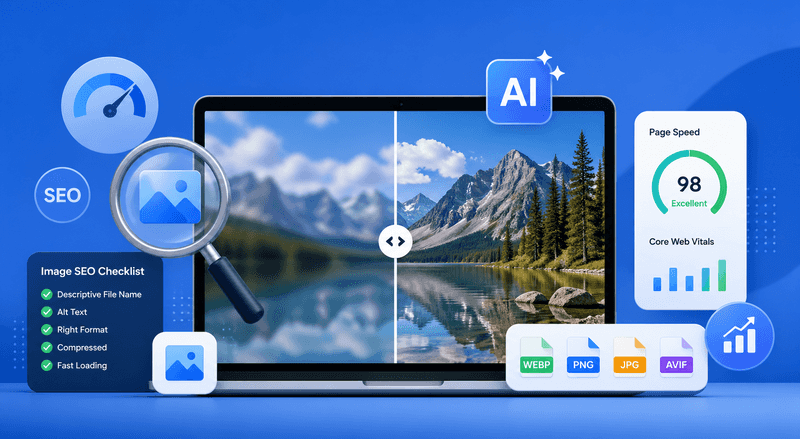
Images play a critical role in modern SEO. They not only enhance user experience but also contribute to rankings through Google Images, page engagement, and overall content quality. However, many website owners face a common challenge: optimizing images for speed and search engines without sacrificing visual clarity.
In this guide, we’ll walk through practical strategies to help you optimize images effectively—while maintaining high quality.
Why Image Quality Matters for SEO
Search engines increasingly prioritize user experience signals such as dwell time and engagement. Low-quality or blurry images can negatively impact how users perceive your content, leading to higher bounce rates.
High-resolution, sharp visuals, on the other hand:
- Improve credibility and trust
- Increase time on page
- Boost conversion rates
This is especially important for industries like e-commerce, SaaS, and content publishing, where visuals directly influence user decisions.
Fixing Blurry Images Without Increasing File Size
One of the biggest SEO challenges is balancing image clarity with performance. Large images slow down your website, while compressed images often lose detail.
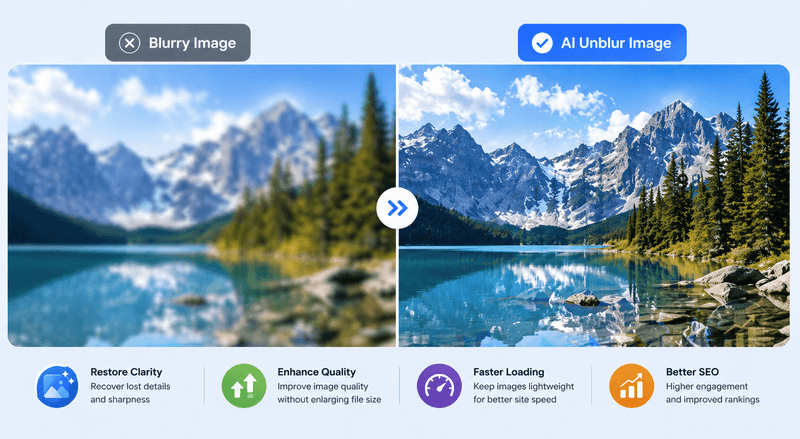
Instead of simply resizing or compressing, a smarter approach is to enhance image quality using AI-based tools. For example, tools like AI Unblur Image allow you to restore sharpness and improve clarity without significantly increasing file size.
The All-in-One Platform for Effective SEO
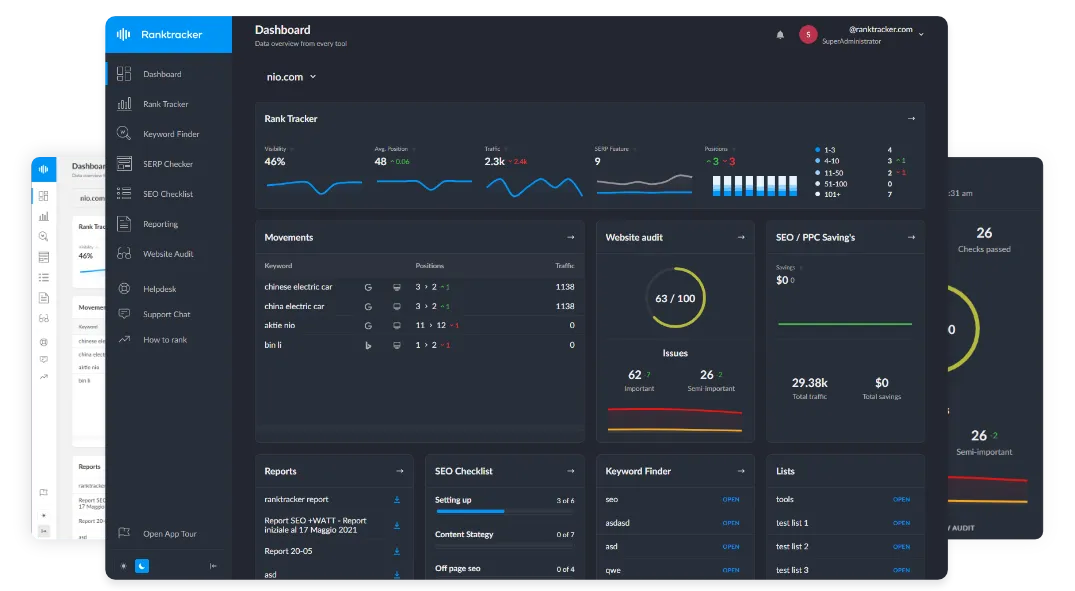
Behind every successful business is a strong SEO campaign. But with countless optimization tools and techniques out there to choose from, it can be hard to know where to start. Well, fear no more, cause I've got just the thing to help. Presenting the Ranktracker all-in-one platform for effective SEO
We have finally opened registration to Ranktracker absolutely free!
Create a free accountOr Sign in using your credentials
This means you can:
- Keep images lightweight for faster loading
- Maintain professional visual quality
- Avoid re-uploading or recreating assets
For SEO, this balance is crucial—fast-loading pages with high-quality visuals perform significantly better.
Essential Image SEO Best Practices
Beyond quality, proper optimization techniques ensure your images are fully search-engine friendly:
1. Use Descriptive File Names
Instead of “IMG_1234.jpg”, use keyword-rich names like “ai-image-enhancer-example.jpg”.
2. Optimize Alt Text
Alt text helps search engines understand your image content and improves accessibility.
3. Choose the Right Format
- WebP for most use cases
- PNG for transparency
- JPEG for photography
4. Enable Lazy Loading
Lazy loading ensures images load only when needed, improving page speed.
5. Use a CDN
A content delivery network reduces load time globally, which is a ranking factor.
The Hidden SEO Issue: Watermarked Images
Many websites rely on stock images or external sources, which often include visible watermarks. This can make your content appear unprofessional and reduce user trust.
Before publishing, it’s important to ensure your visuals are clean and polished. In cases where images contain unwanted overlays, using a tool like Remove Watermark from Image can help prepare them for SEO-friendly use.
Conclusion
Optimizing images for SEO is no longer just about compression—it’s about delivering the best possible visual experience without compromising performance. By combining smart optimization techniques with AI-powered enhancement tools, you can significantly improve both your rankings and user engagement.
In 2026 and beyond, high-quality, fast-loading images will continue to be a key competitive advantage in search.