Intro
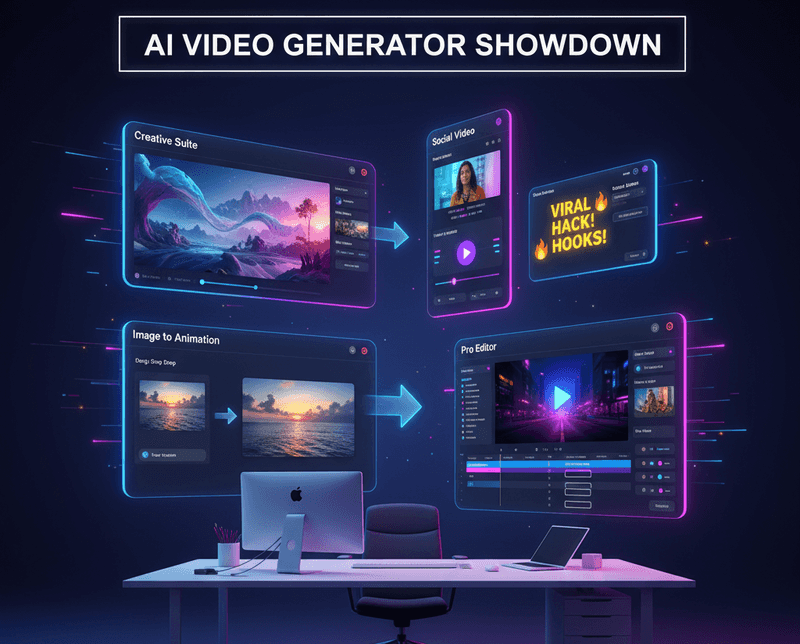
AI Image to Video has become a practical shortcut for creators, marketers, and small teams who need motion without a full production pipeline. In this article, I compare VEME, Short AI, AIImageToVideo.pro, and VEED with a focus on what each tool actually does well, where it feels limited, and who it suits best.
Why this category matters
Static visuals are no longer enough for fast-moving social feeds. An image-to-video workflow can turn product shots, concepts, or campaign art into short clips for ads, reels, explainers, and b-roll.
I tested the tools from a practical angle: upload speed, prompt control, motion quality, and how quickly the result could be reused in a real content workflow. That kind of workflow fit matters because the best-looking clip is not always the easiest one to publish.
VEME: broad creative workspace
VEME is positioned as an all-in-one AI visual platform that combines text-to-video, image-to-video, AI image generation, avatar videos, video extension, upscaling, background removal, restoration, and style transfer. The platform clearly aims to reduce tool-switching, which is useful if you create both still and moving assets in one place.
In practice, the appeal of VEME is range, not just a single feature. I like that it supports a simple “upload image and animate” path while also covering adjacent tasks such as enhancement and style transfer, which can save time when a source image needs cleanup before motion is added.
What stands out
VEME’s strongest point is workflow consolidation. Instead of sending an image to one app, editing it somewhere else, and then animating it elsewhere, the platform keeps more steps under one roof.
The trade-off is that a broader platform can feel less specialized than a dedicated motion-first tool. For users who only want AI AI Image to Video conversion and nothing else, the extra features may be useful but not essential.
Best fit
VEME suits marketers, solo creators, and small teams that want a flexible visual toolbox. It is especially relevant when a project needs both image polishing and quick animation inside one browser-based workflow.
Short AI: short-form automation
Short AI is built around faceless, social-first video creation. Its core value is turning scripts, stories, dialogues, Reddit-style formats, and long videos into short clips that are optimized for TikTok, Reels, YouTube Shorts, and similar platforms.
This is not a classic image-to-video studio in the same sense as the other tools, but it still belongs in the conversation because it focuses on fast content generation and repurposing. If your real job is output volume and format speed, Short AI is closer to a social video factory than a cinematic editor.
What stands out
Short AI is strongest when you need automation, captions, and clip extraction for short-form publishing. It can create story-driven or dialogue-driven videos from text, which makes it useful for faceless channels and recurring content formats.
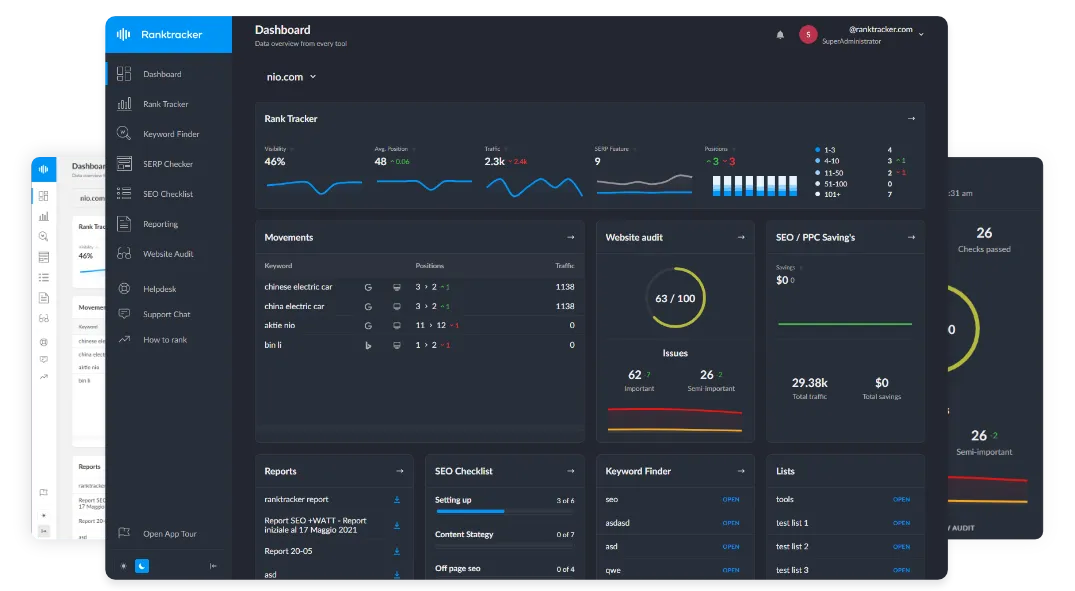
The All-in-One Platform for Effective SEO
Behind every successful business is a strong SEO campaign. But with countless optimization tools and techniques out there to choose from, it can be hard to know where to start. Well, fear no more, cause I've got just the thing to help. Presenting the Ranktracker all-in-one platform for effective SEO
We have finally opened registration to Ranktracker absolutely free!
Create a free accountOr Sign in using your credentials
Its limitation is that the tool is more about formatted social video than pure image animation. If your main goal is to animate a still product shot with controlled motion, Short AI is less direct than a dedicated AI Image to Video product.
Best fit
Short AI works best for creators who publish often and care more about repeatable output than fine visual control. Think of it as a tool for content pipelines, not a tool for slow, frame-perfect storytelling.
AIImageToVideo.pro: simple conversion flow
AIImageToVideo.pro keeps the promise very narrow: upload an image, crop or frame it, generate motion, and export. That simplicity can be a strength because there is less to learn and fewer places to get lost.
In my view, this is the most straightforward of the four tools for users who want a quick photo-to-video conversion without a larger creative suite. The process shown on the site is short and direct, which makes it feel approachable for beginners.
What stands out
The site emphasizes a clean workflow with JPG, PNG, and WEBP upload support, plus framing controls before generation. It also mentions previewing the motion before export, which is important if you want a fast quality check before sharing.
Compared with bigger platforms, the scope is tighter. That makes it easier to use, but it also means fewer adjacent tools for editing, enhancement, or broader content production.
Best fit
AIImageToVideo.pro is a good fit for users who value speed and simplicity over a wide feature set. It feels especially suitable for one-off clips, lightweight social visuals, and quick tests of AI Image to Video ideas.
VEED: model testing and editing
VEED’s image-to-video product is interesting because it combines generation with comparison. Users can upload an image, describe motion, generate a clip, and work inside a broader editor, while also testing multiple models in one place.
That makes VEED feel less like a single-purpose generator and more like a production workspace. The site highlights use cases such as social posts, product ads, animated logos, inserts, and b-roll, which shows how it sits between content creation and editing.
What stands out
VEED’s model-comparison angle is a real advantage. Its platform lets users explore different image-to-video models and judge which one best matches the source image and intended style.
The other advantage is downstream editing. If you generate a clip and immediately want to trim it, polish it, or place it into a wider edit, VEED offers that path more naturally than a bare-bones converter.
Best fit
VEED suits creators who want both generation and post-production in one environment. It is especially useful for teams that need to test a few outputs before deciding which motion style is good enough to publish.
Common ground and gaps
All four tools lower the barrier to turning still visuals into motion. They also reflect the same market shift: users want faster content production, not more software complexity.
The differences are clearer once you look at intent. VEME is broader, Short AI is social automation-first, AIImageToVideo.pro is minimal and direct, and VEED is generation plus editing plus model testing.
Final take
AI Image to Video tools are no longer just novelty apps. They now serve different jobs, from quick social clips to broader marketing workflows and editor-friendly production pipelines.
From an experience-based perspective, the biggest decision is not “which one is best,” but “which one fits the workflow I actually have.” If you need broad visual creation, VEME is the widest toolbox; if you need short-form automation, Short AI is built for that; if you want a simple image-to-motion converter, AIImageToVideo.pro is the quickest path; and if you want generation plus editing in one place, VEED is the most structured option.